When Your Modicon Momentum Drops Off the Network
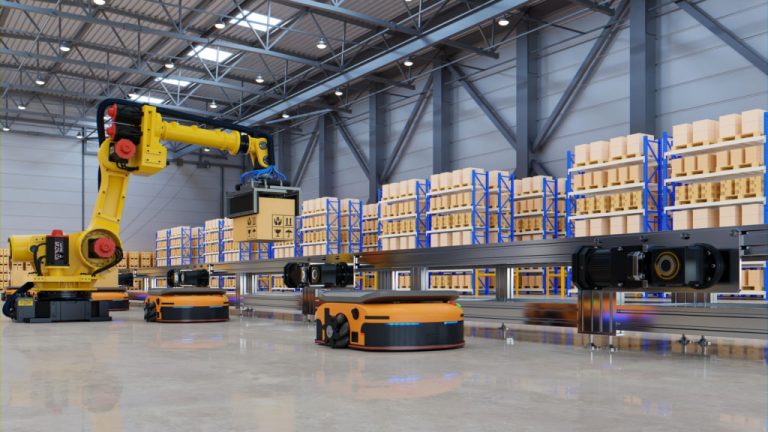
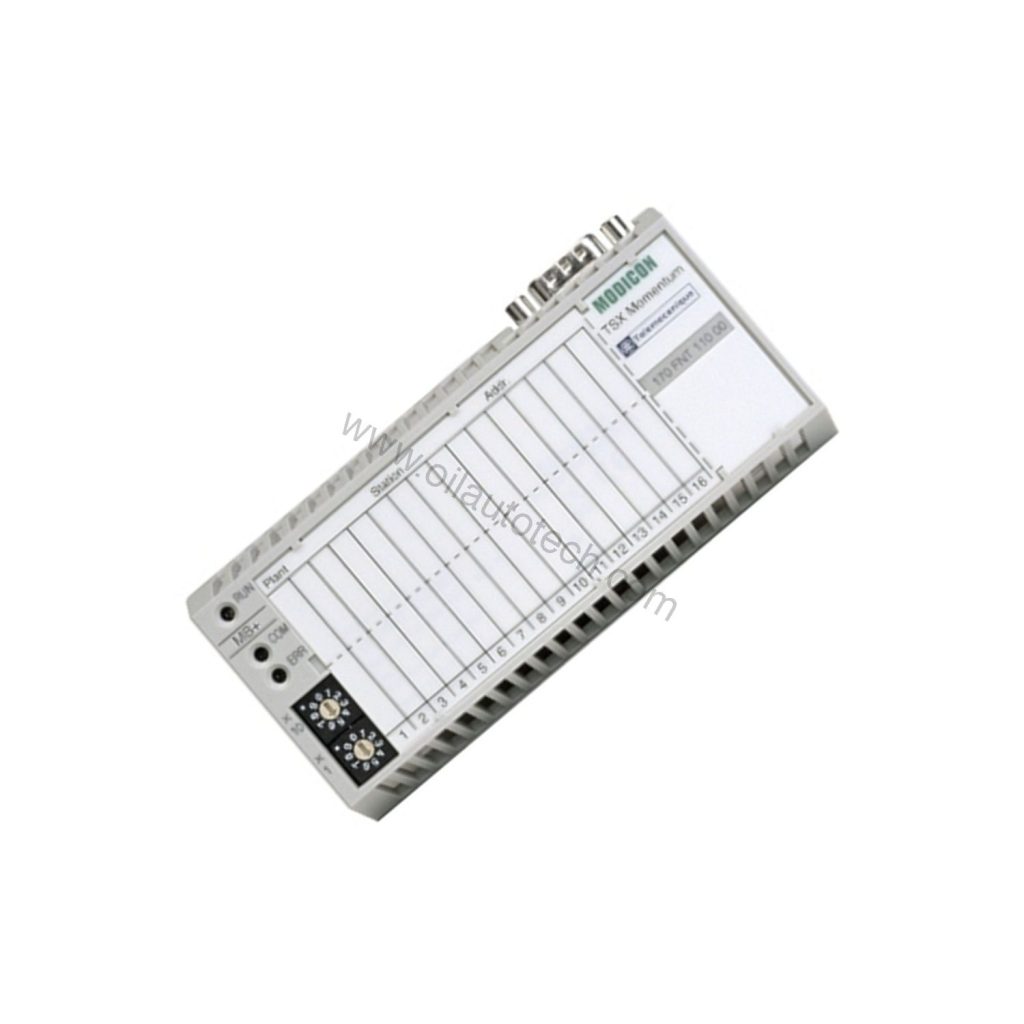
A plant engineer recently faced a familiar problem: a Modicon Momentum I/O island on a long conveyor line kept losing communication. The culprit was a limited network segment. The fix was the Schneider Electric 170FNT11000, a Fipio communication adapter built to extend and stabilize industrial networks. It transmits at 1 Mbps and supports cable runs up to 5 km, so you can cover large facilities without adding repeaters everywhere.
What the 170FNT11000 Actually Does
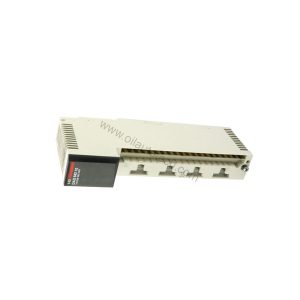
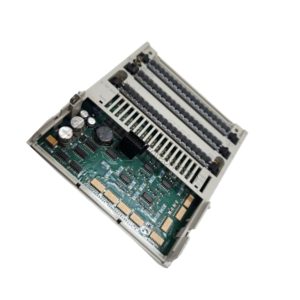
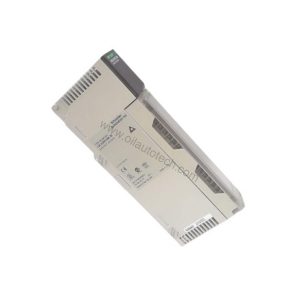
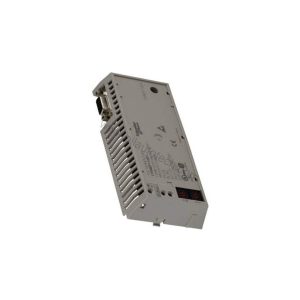
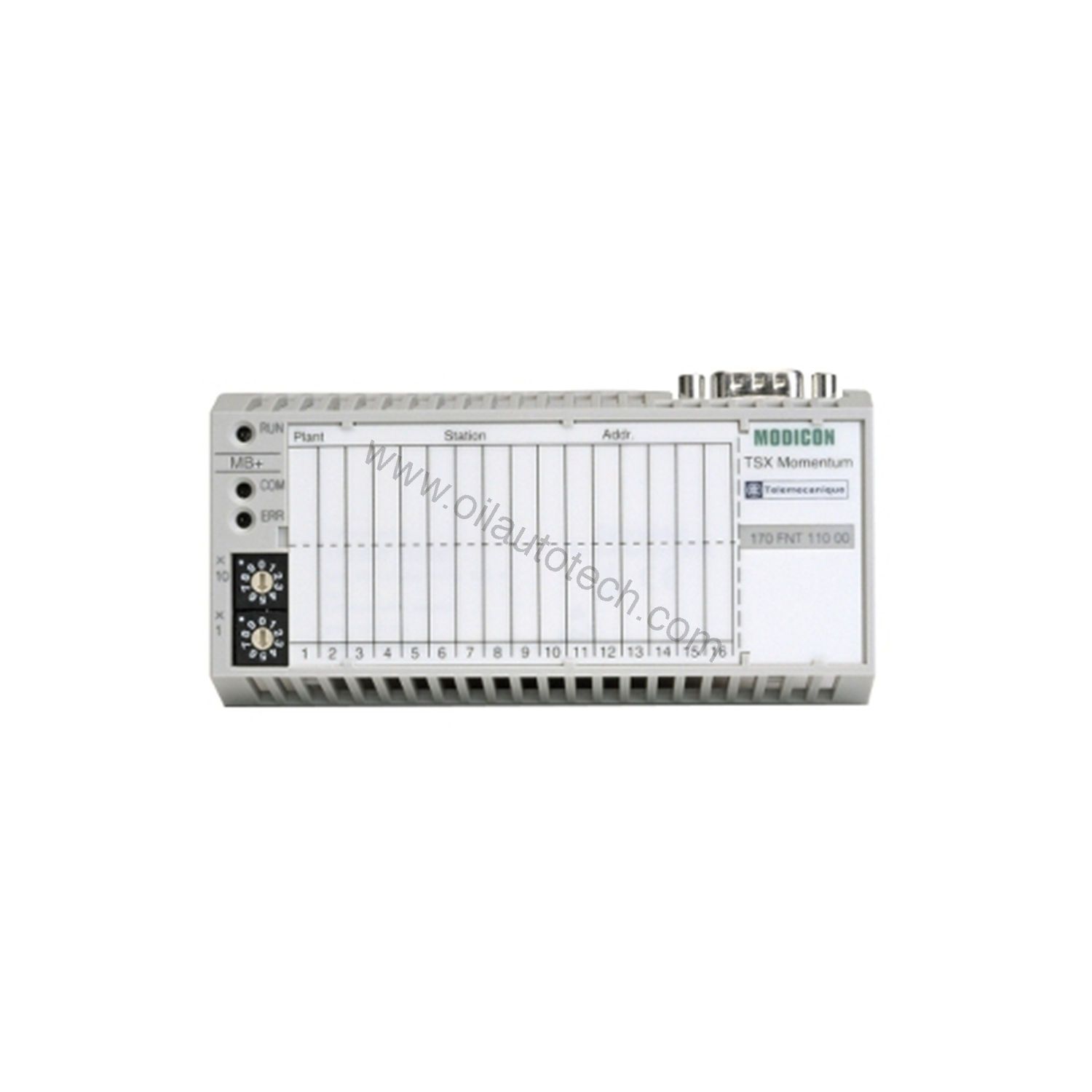
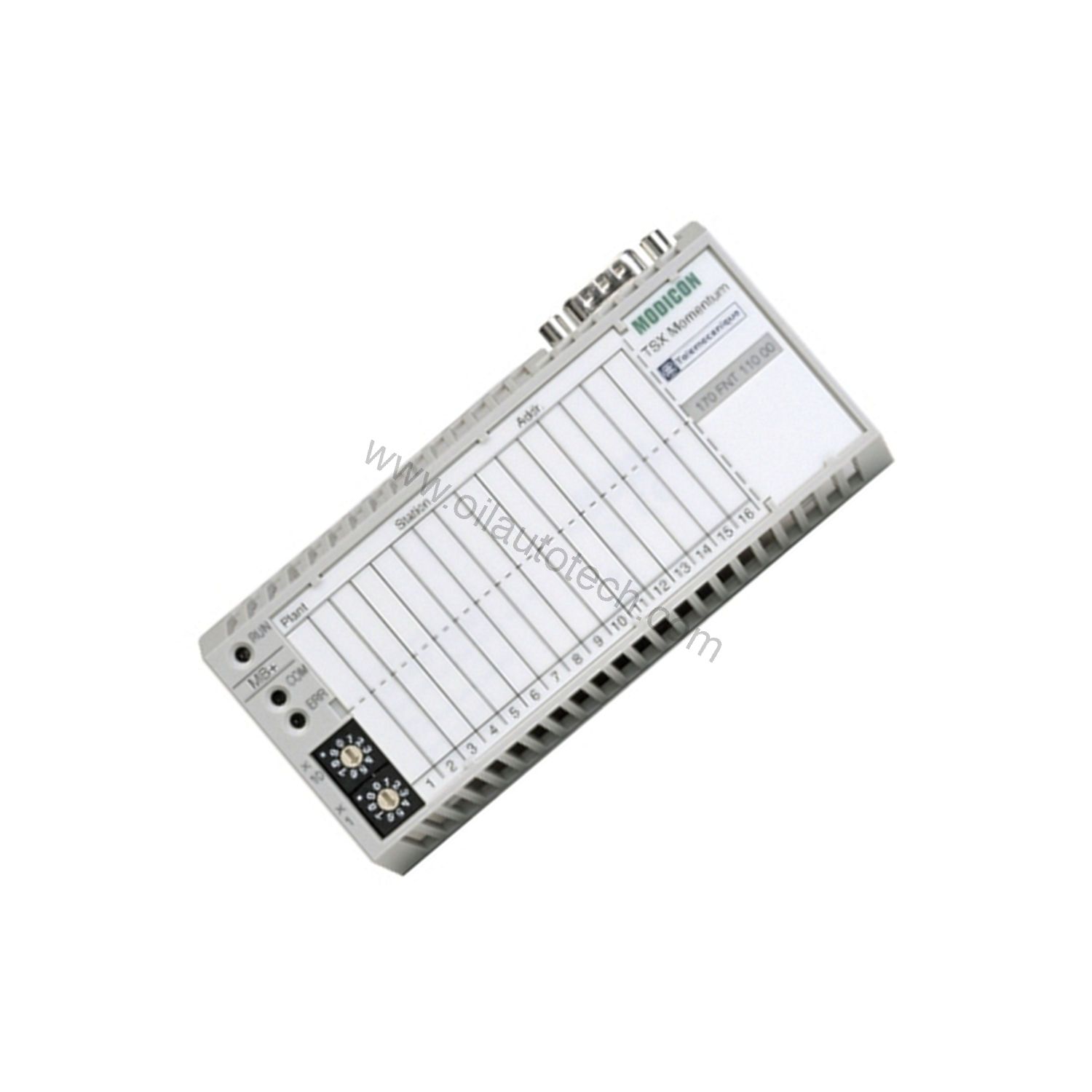
The 170FNT11000 is a Fipio communication adapter for the Modicon Momentum series. It connects Momentum I/O bases to a Fipio network, drawing supply power directly from the I/O base. The electrical connection uses a Male Sub-D 9 connector, a practical standard for field wiring. It weighs 0.19 lbs (0.09 kg), so it adds almost no mechanical load.
Key Technical Specifications
| Specification | Value |
|---|---|
| Product Type | Fipio communication adapter |
| Product Line | Modicon Momentum |
| Communication Protocol | Fipio |
| Data Transmission Rate | 1 Mbps |
| Structure | Open industrial |
| Optical Fiber | 62.5/125, 50/125 |
| Devices per Segment (no repeater) | Max 31 |
| Devices with Repeater | Max 61 |
| Max Inter-Device Cable Length | 5 km |
| Supply | From I/O base |
| Electrical Connection | Male Sub-D 9 |
| Approvals | UL, CE, CSA |
| Ambient Temperature | 0 to 60 °C |
Why These Specs Matter on the Plant Floor
The 1 Mbps transmission rate keeps polling cycles tight enough for most discrete and process I/O. The 5 km maximum inter-device cable length lets you route fiber across sprawling sites without a repeater. You can place up to 31 devices per segment without a repeater, or 61 with a repeater. The adapter accepts 62.5/125 and 50/125 optical fiber. The 0 to 60 °C ambient range suits control cabinets and many non-condensing industrial areas.
Where the 170FNT11000 Fits
Use it on long conveyor systems where remote I/O islands sit far from the controller. It also works well in water treatment plants where fiber runs between buildings. In oil and gas terminals, the 5 km reach helps link field panels to a central control room. For any of these, Oil AutoTech offers hands-on technical selection help and fast-dispatch spares for oil, gas and industrial automation.
Integration and Setup Notes
Because the 170FNT11000 uses the Fipio protocol, confirm that your existing network architecture supports Fipio before installing. Wiring into such networks may require an external gateway or connection module. Check cable types and gateway compatibility with your supplier. The adapter takes power from the I/O base, so no separate supply wiring is needed. Mount it per the Momentum series documentation. Verify the Male Sub-D 9 pinout against your Fipio trunk layout.
Reliability and Maintenance
Inspect the Sub-D 9 connection and fiber terminations periodically for contamination or looseness. Keep the ambient temperature within 0 to 60 °C. Because the unit draws power from the I/O base, check that base supply margins remain adequate after adding adapters. Follow the manufacturer’s safety manual for all maintenance. Please verify current lifecycle status and availability with Oil AutoTech before ordering.
Frequently Asked Questions
Q: What is the maximum number of devices per Fipio segment with the 170FNT11000?
A: Up to 31 devices per segment without a repeater, or up to 61 with a repeater.
Q: Does this adapter require a separate power supply?
A: No. It is supplied from the I/O base.
Q: What fiber types does the 170FNT11000 support?
A: It supports 62.5/125 and 50/125 optical fiber.
Q: What is the maximum inter-device cable length?
A: Up to 5 km.
Q: What approvals does it carry?
A: UL, CE, and CSA.