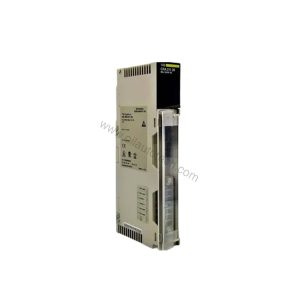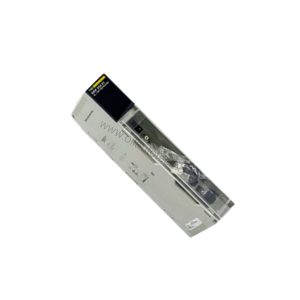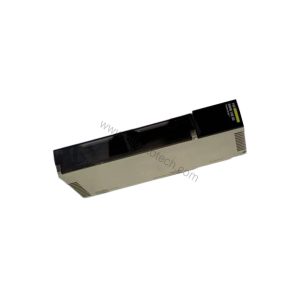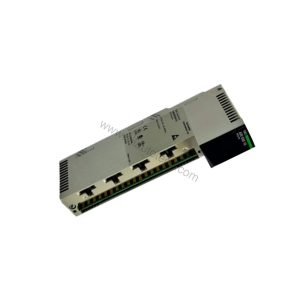
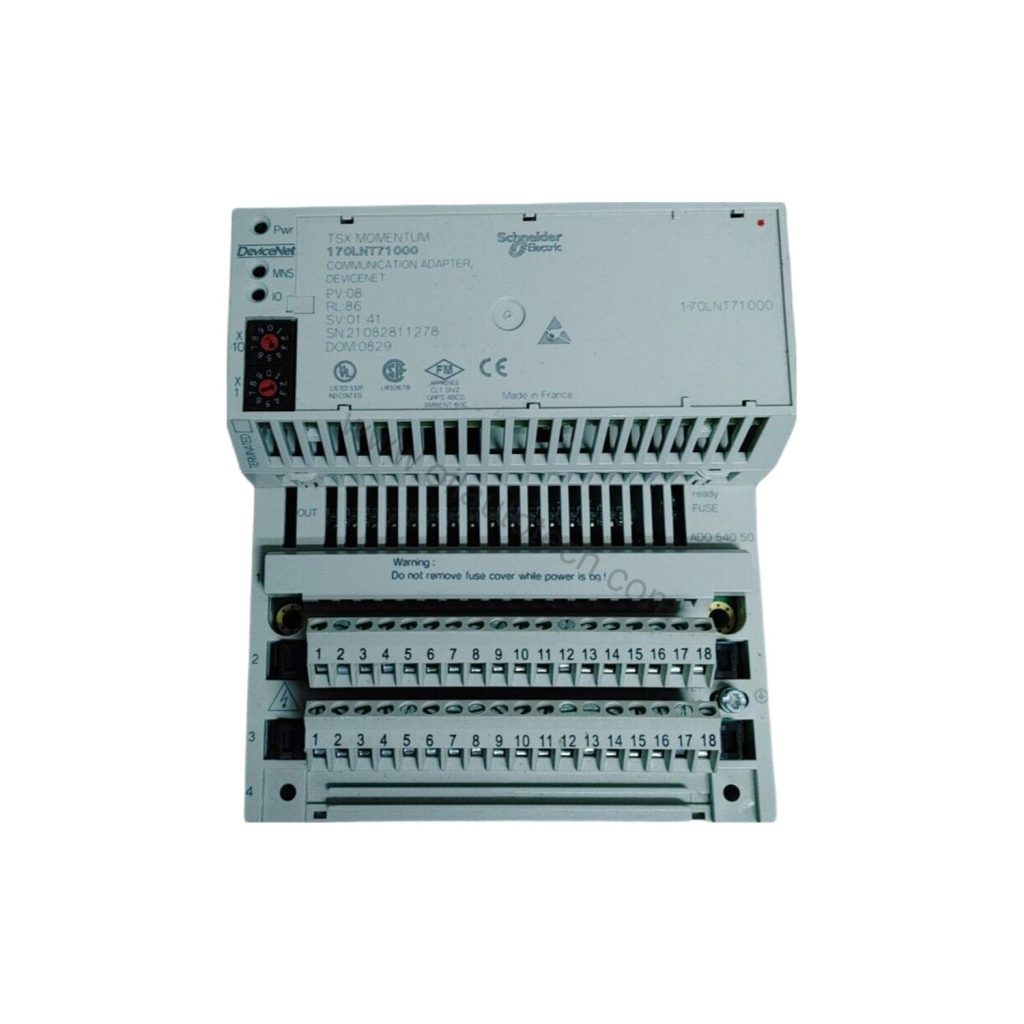
What Is the 170LNT71000?
The 170LNT71000 is a DeviceNet communication adapter from Schneider Electric’s Modicon Momentum series. It connects Momentum I/O and processors to a DeviceNet network, letting your control system exchange data reliably across the plant floor. If you run oil, gas, or industrial automation lines, this adapter keeps your network talking without adding bulk or complexity.
This buyer’s guide walks through the specs that matter, where the unit fits, and what to check before you order.
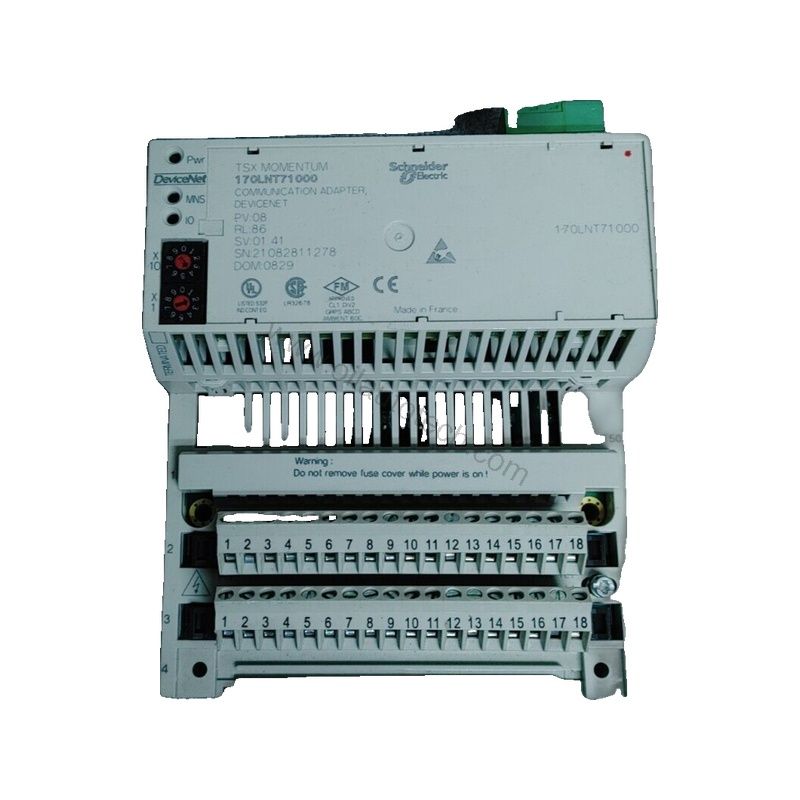
Key Parameters That Drive Performance
The 170LNT71000 supports transmission rates of 125, 250, and 500 kilobits per second. Lower rates stretch cable runs; higher rates tighten response times. You pick the rate that matches your segment length and device count.
It uses a multi-drop trunk topology and supports 0 to 64 devices per segment. Maximum cable distance between devices exceeds 1,640.4 feet (500 meters), depending on the transmission rate. Twisted pair cable is the transmission medium.
Access methods include Carrier Sense Multiple Access/Collision Avoidance (CSMA/CA), Master/Slave, and peer-to-peer (P2P). Control parameter type is CRC-16. The electrical connection is one 5-pin DeviceNet connector.
| Specification | Value |
|---|---|
| Transmission Rate | 125, 250, and 500 kbit/s |
| Protocol | DeviceNet |
| Topology | Multi-drop trunk |
| Devices Per Segment | 0 to 64 |
| Max Cable Distance | More than 1,640.4 ft (500 m) |
| Connector | One 5-pin DeviceNet |
| Operating Temperature | 0 to 60°C, non-condensing |
| Storage Temperature | -40 to 85°C, non-condensing |
| Protection Class | IP20 |
| Net Weight | 0.15 lb (0.07 kg) |
Where the 170LNT71000 Fits
Oil and gas skids. DeviceNet remains common on valve islands, motor starters, and remote I/O. The 170LNT71000 links those nodes to the main controller over a multi-drop trunk, so you can add devices without running home-run wiring to every point.
Replacement and upgrade. When a legacy Momentum adapter fails, swapping in the correct DeviceNet module keeps the segment online. Match the transmission rate and connector type to your existing trunk, then verify node addressing before power-up.
Packaging and material handling. With 0 to 64 devices per segment, this adapter suits distributed I/O banks where short, repeatable scan cycles matter. Set the rate to balance cable length against throughput.
Installation Notes
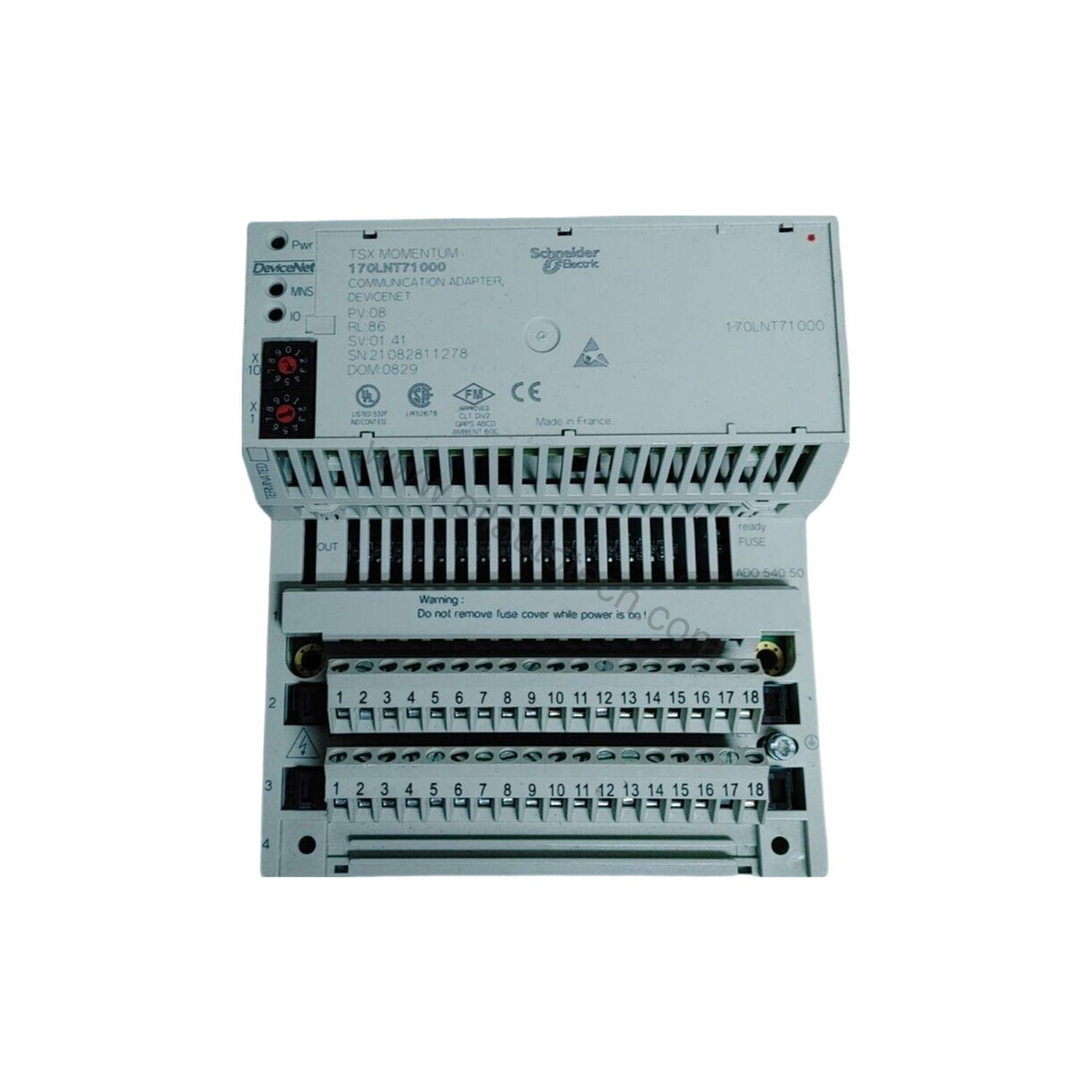
Mount the adapter per the Momentum platform layout and confirm the 5-pin DeviceNet connector seats fully. Keep the unit in a non-condensing environment within 0 to 60°C. IP20 protection means the enclosure must shield it from dust and moisture.
Set the transmission rate to match every device on the segment. A mismatch is the most common cause of dropped nodes. Verify the trunk terminates correctly and that total cable length stays within the limit for your chosen rate.
Integration and Compatibility
The 170LNT71000 speaks DeviceNet and integrates with Modicon Momentum processors and I/O bases. Wiring into a DeviceNet network may require an external gateway or connection module depending on your controller. Confirm cables and gateways with your supplier before ordering.
What to Check Before Buying
Confirm your network protocol, required transmission rate, connector type, and segment device count. Verify current lifecycle status and availability with Oil AutoTech before ordering. Oil AutoTech offers hands-on technical selection help and fast dispatch, worldwide, so you get spares when you need them.
Contact Oil AutoTech today for pricing and availability.